Detecting Lateral Movement
How to detect lateral movement — PsExec, WMI, and RDP signals in Windows telemetry, Sigma rules, and the segmentation and tiering that shrink the attacker's reach.

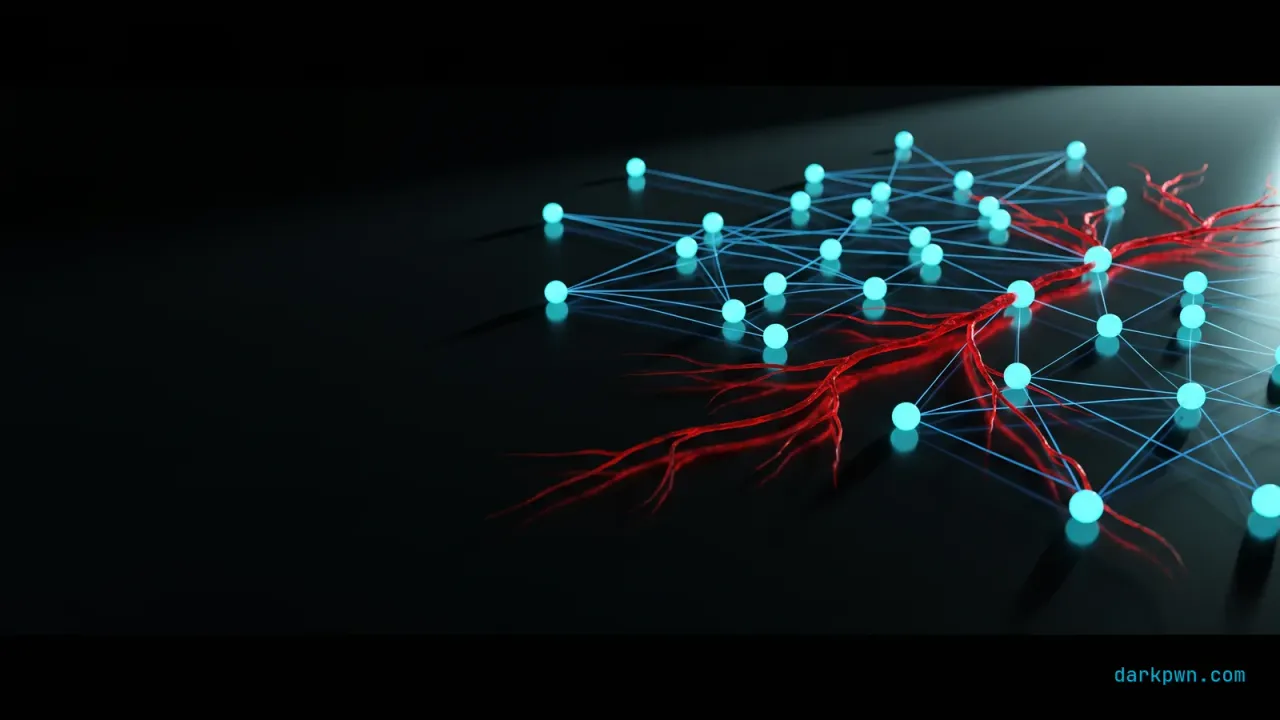
Lateral movement is the phase between a single compromised host and a domain compromise — and it uses the same tools your administrators use, which is exactly why it hides. An attacker with stolen credentials reaches other systems via PsExec, WMI, remote scheduled tasks, and RDP: all legitimate remote-execution methods. You cannot detect them by blocking the tools; you detect the relationships — which host is executing on which, and whether they have any business doing so. This guide ships the signals and the segmentation that shrinks the attacker’s reach.
Lateral movement maps to MITRE ATT&CK T1021 — Remote Services and T1570 — Lateral Tool Transfer. It rides on credentials taken via LSASS dumping and often precedes DCSync.
What is lateral movement?
After landing on one machine, an attacker rarely finds what they want there. Lateral movement is how they spread — using the credentials they have stolen to authenticate to other systems and run code on them, hopping toward domain controllers, file servers, and backups. The methods are the standard Windows remote-administration toolkit, which is the whole problem: PsExec, WMI, WinRM, RDP, and scheduled tasks are how admins legitimately manage fleets, so the traffic blends in.
The defensive answer is context. A workstation executing a service on another workstation, or a normal user account RDP-ing into a domain controller, is abnormal even though the mechanism is legitimate. Detection is about the source-destination-account relationship.
What are the main lateral-movement techniques and signals?
| Technique | Mechanism | Telemetry signal |
|---|---|---|
| PsExec | Installs and runs a service remotely | Event ID 7045 service install (PSEXESVC) |
| WMI | Remote Win32_Process create | wmiprvse.exe spawning a process |
| RDP | Interactive remote logon | Event ID 4624 logon type 10 |
| WinRM / remote PowerShell | Remoting session | WSMan events, wsmprovhost.exe |
| Remote scheduled task | Task created on another host | Event ID 4698 from a remote source |
The common denominator is a remote-execution event arriving at a host from a source that does not normally administer it. Baseline the legitimate admin-to-host relationships, and the anomalies are the movement.
How to detect lateral movement
The highest-signal single rule is a PsExec-style service install, which is rare and noisy-when-malicious.
title: Remote Service Execution via PsExec
id: 8c1f4a93-darkpwn-illustrative
status: experimental
logsource:
  product: windows
  service: system
detection:
  selection:
    EventID: 7045
    ServiceName|contains: 'PSEXESVC'
  variant:
    ServiceFileName|contains: ['\\\\','\ADMIN$\', '-service']
  condition: selection or variant
falsepositives:
  - Legitimate admin use of PsExec from jump hosts (allowlist source hosts/accounts)
level: highHow to test your lateral-movement detection
In an isolated lab you own:
- Run PsExec from a lab admin host to another and confirm the 7045 rule fires; allowlist the legitimate source.
- Execute a remote WMI process creation and confirm the
wmiprvse.exe-parent signal appears. - RDP into a lab server and confirm the 4624 type-10 logon is captured.
- Confirm normal admin-from-jump-host activity is allowlisted and quiet.
How to prevent and contain lateral movement
- Disable unused remote-admin protocols on workstations.
- Alert on any interactive logon to a domain controller outside a tiny allowlist.
- Harden credential theft upstream — LSASS and phishing-resistant MFA.
Common lateral-movement detection mistakes
- Trying to block the tools. Breaks admin work; attackers switch methods.
- No cross-host correlation. Movement is a relationship across machines, not one event.
- No baseline of admin relationships. Everything looks either normal or suspicious.
- Ignoring direction. Movement toward Tier 0 is the high-priority case.
Lateral movement detection checklist
- Collect service installs (7045), WMI activity, RDP logons (4624 type 10), remote tasks (4698).
- Alert on PsExec (PSEXESVC), WMI remote spawns, and RDP to sensitive hosts.
- Baseline legitimate admin-to-host relationships; alert on deviations.
- Correlate logon → remote execution → direction across hosts.
- Prioritize movement toward Tier 0 (domain controllers).
- Segment the network; restrict admin protocols to jump hosts.
- Enforce tiered administration, LAPS, and MFA for remote access.
- Test each technique in a lab and allowlist legitimate admin sources.
The takeaway
Detecting lateral movement means watching the legitimate remote-execution methods — PsExec, WMI, RDP — as relationships: a source executing on a destination it never normally touches, moving toward higher value. Baseline the admin paths, correlate across hosts, and contain with segmentation and tiering. Continue with DCSync detection and process injection detection, or browse the full Detection Engineering pillar.
Training & tools referenced
Disclosure: Some links below are affiliate links. If you buy through them, darkpwn may earn a commission at no extra cost to you. We only recommend training and tools we actually use in our own lab, and affiliate links never influence editorial coverage.
- TryHackMeAuthorized labs to practice detecting lateral movement on Windows networksSecurity TrainingStart training
Frequently asked questions
How do you detect lateral movement?
Watch the remote-execution mechanisms attackers use to move between hosts: PsExec (a service named PSEXESVC installed via Event ID 7045), WMI remote process creation (wmiprvse.exe spawning a process), remote scheduled tasks, and RDP interactive logons (Event ID 4624 logon type 10). Alert on these between hosts that do not normally administer each other.
What is lateral movement?
Lateral movement is how an attacker spreads from an initial foothold to other systems in the network, using stolen credentials and remote-execution tools to reach higher-value targets like domain controllers. It maps to MITRE ATT&CK T1021 (Remote Services) and related techniques.
How do attackers move laterally in Windows?
Common methods include PsExec and other service-based execution, WMI, remote PowerShell/WinRM, remote scheduled tasks, and RDP — all using valid stolen credentials. Because the tools and protocols are legitimate administration methods, detection relies on the source-destination relationship and context, not on blocking the tools.
How do you prevent lateral movement?
Segment the network and restrict administrative protocols (SMB, RDP, WMI, WinRM) to jump hosts, enforce tiered administration so Tier 0 credentials never touch workstations, use the local-admin password solution (LAPS) to stop credential reuse, and require phishing-resistant MFA for remote access.
Keep reading

Detecting Process Injection
How to detect process injection — CreateRemoteThread, RWX memory, and process hollowing signals in Sysmon, a Sigma rule, and the tuning that keeps it high-fidelity.
Detecting BYOVD Attacks
How to detect BYOVD (bring-your-own-vulnerable-driver) attacks — the driver-load and service-creation signals, a Sigma rule, the LOLDrivers list, and HVCI hardening.

Detecting Living-off-the-Land Binaries
How to detect LOLBins without false positives — flag abuse of certutil, regsvr32, mshta and rundll32 by behavior, with a Sigma rule and allowlist tuning.